
Outlook, Optimized for Teams by AirChannel.ai
AirChannel.ai connects multiple Outlook accounts into one shared workspace. Assign emails, track replies, and keep teams aligned without changing how Outlook works.
No changes to your Outlook account.
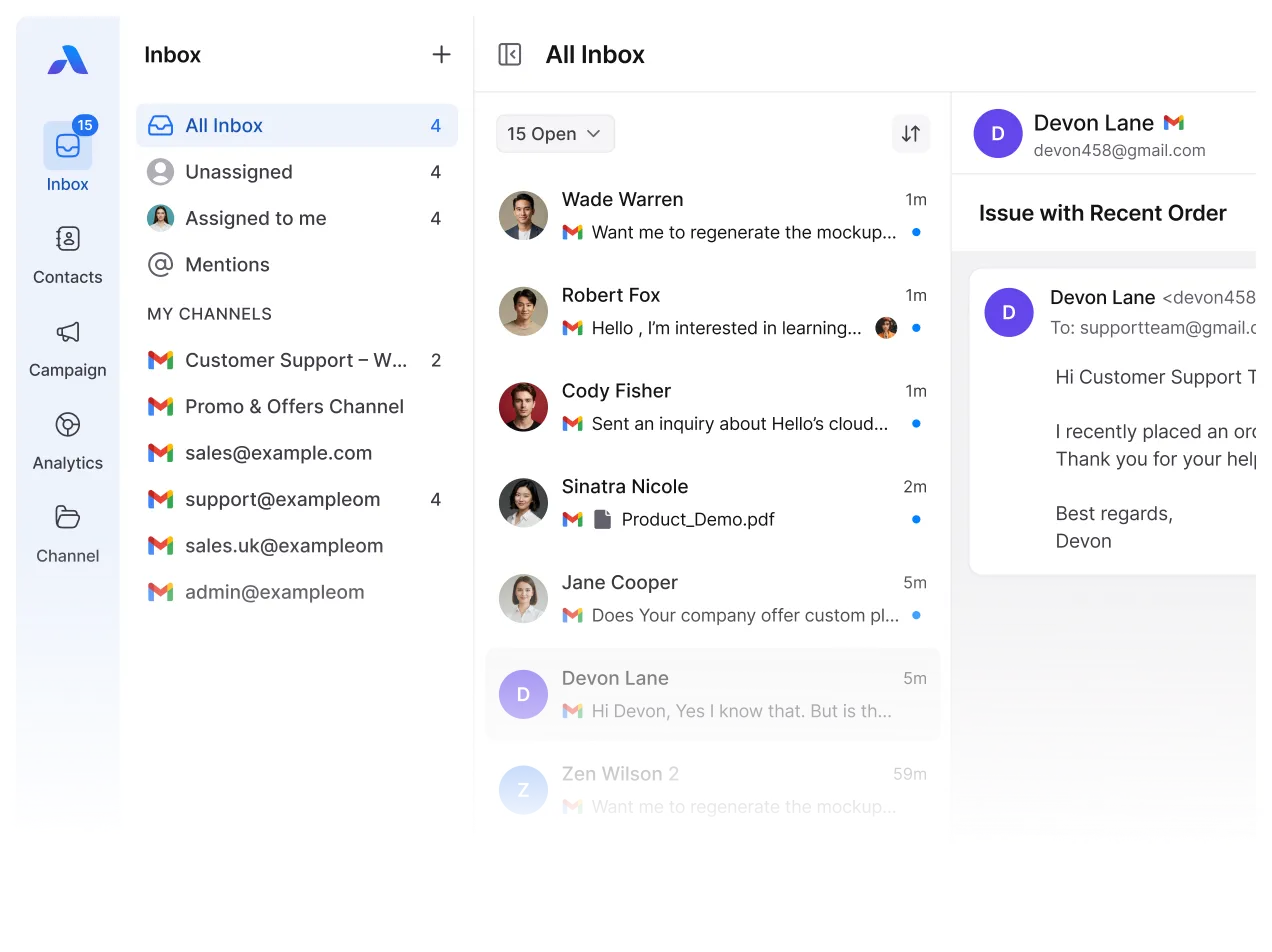










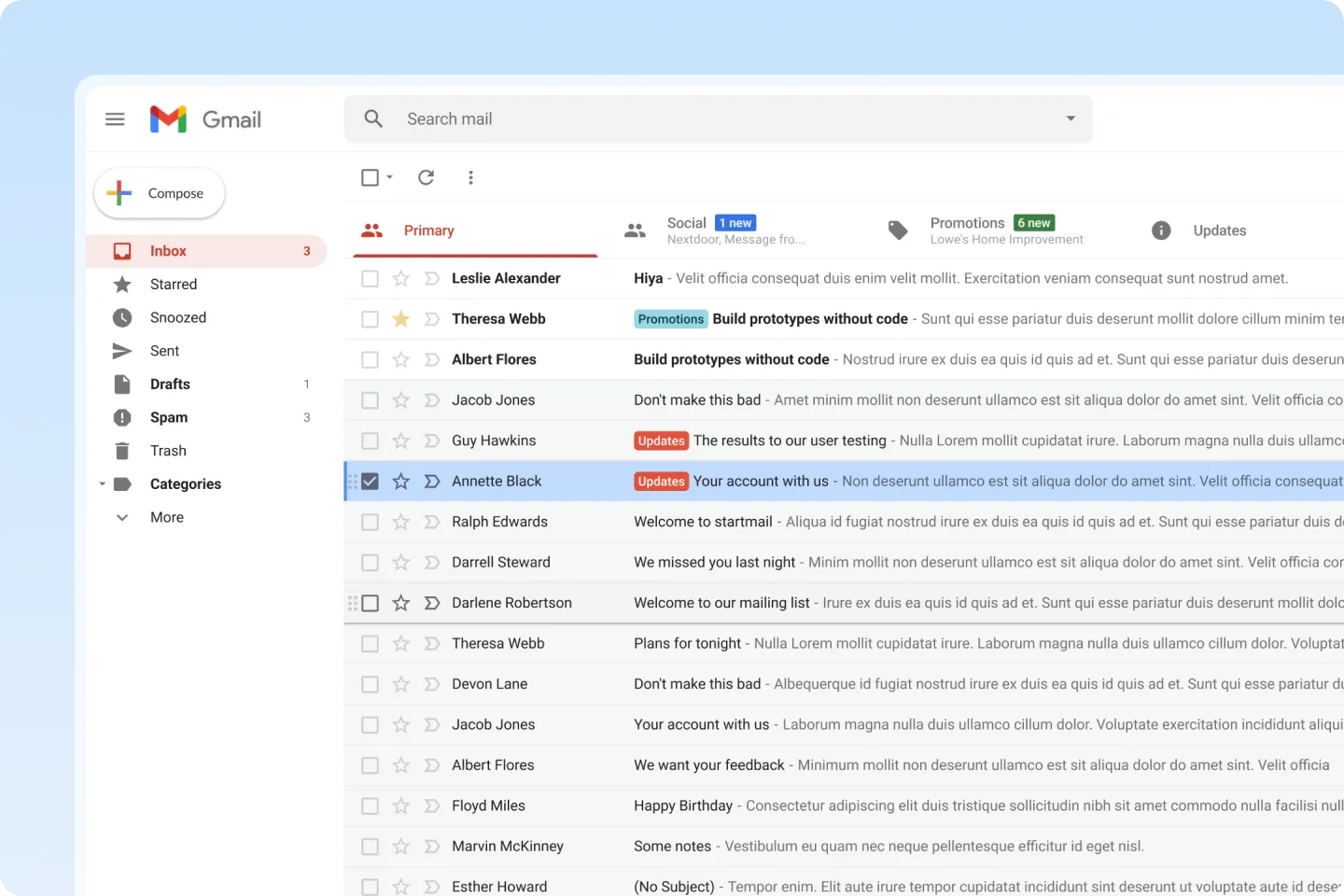
Outlook Becomes Hard to Manage as Teams Grow
Outlook is built for individual use. When teams need to manage the same inbox, it starts to break down.
- An email arrives, but no one is clearly responsible
- Someone reads it, but others don’t know if it’s handled
- Another teammate replies “just in case”
- Context and attachments get buried in long threads
- Managers can’t see who’s working on what
The Hidden Cost of Using Outlook for Teams
Small inbox issues turn into real business problems as teams scale.
- Customers wait longer than they should
- Team confusion slows response time
- Missed emails risk losing deals or trust/li>
- Managers spend hours manually checking inboxes
- Important files disappear inside threads
Outlook, With Clear Team Ownership
AirChannel.ai adds a collaboration layer on top of IMAP without replacing your email provider or changing how email works.
Instead of inbox silos, teams get:
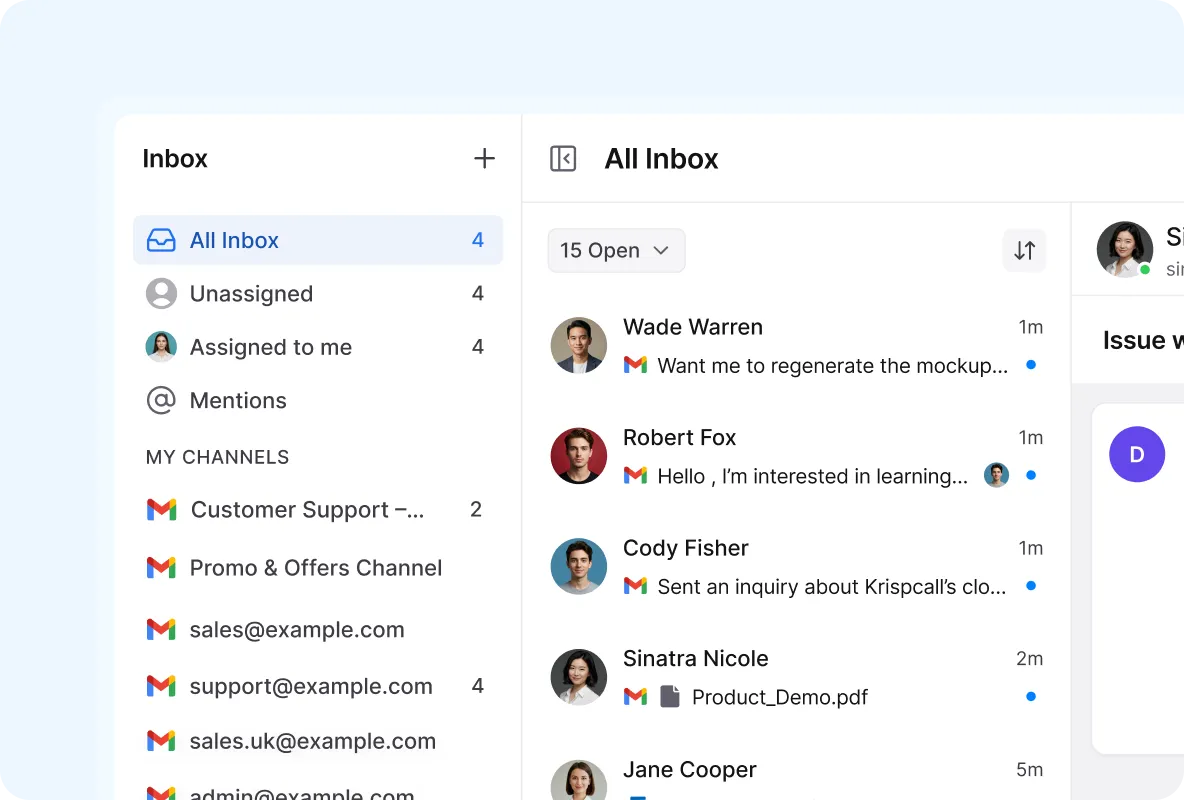
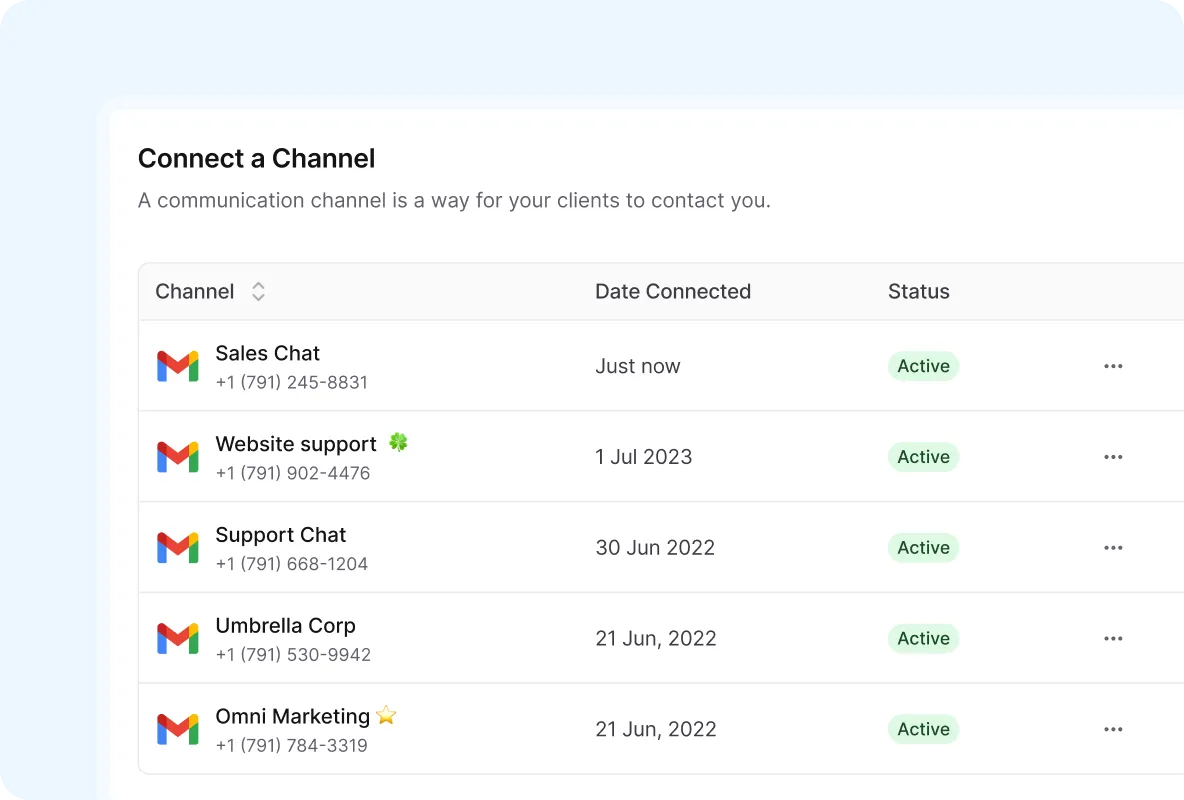
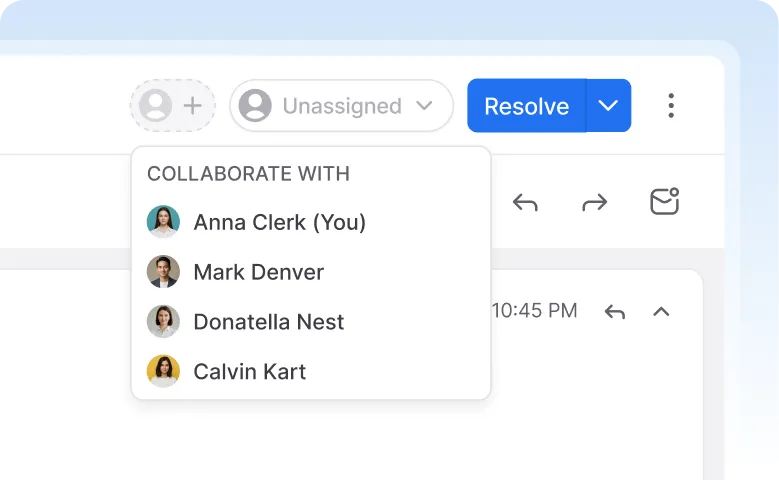
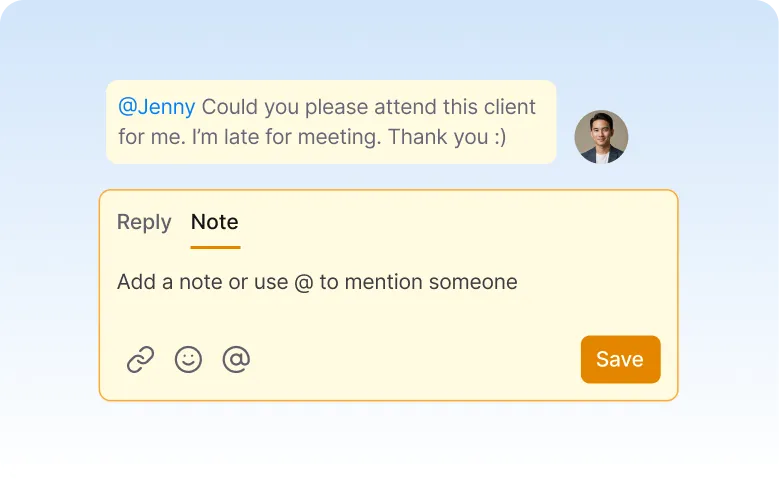
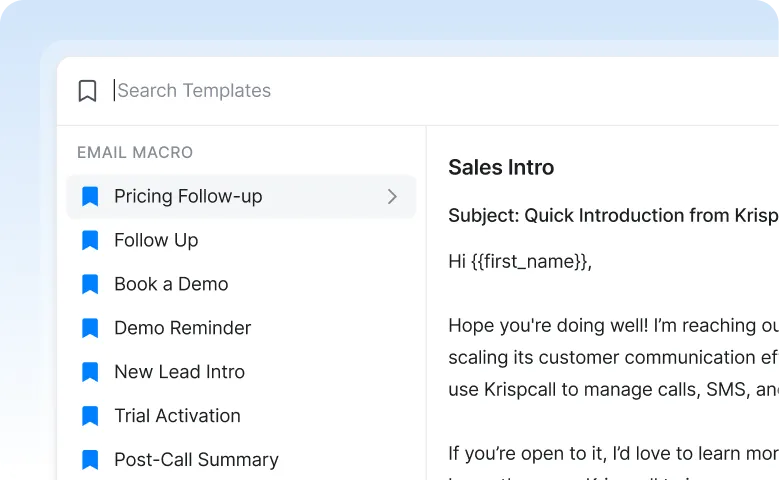
Better results and faster responses for teams
AirChannel.ai keeps conversations organized, visible, and easy to manage even as your team scales.
Your data stays private and under your control
HOW IT WORKS
Once connected, Outlook emails appear inside AirChannel.ai ready for team collaboration.
Simple. Secure. Controlled.
Frequently asked questions.
Yes. Managers can assign emails and track reply status in real time.
No. Your Outlook account stays exactly the same. AirChannel.ai works on top of it.
Turn Outlook
Into a Team Workspace
Connect your inbox and start collaborating in minutes.Assign emails. Track replies.Stay in control.